
Download Scratch少儿编程软件 – 图形化编程, 儿童编程, 编程学习, 创意工具, 教育应用
Overview
Scratch少儿编程软件 is a dedicated educational platform designed to introduce programming concepts to children and young learners through an accessible, visual interface. The app enables users to create interactive stories, games, animations, and more by assembling code blocks in a drag-and-drop environment. This approach removes the complexity of syntax, making it ideal for beginners of any age who are exploring coding for the first time. The software is especially effective in teaching logical thinking, problem-solving, and computational creativity—skills that are increasingly vital in modern education and future careers.
Target users include elementary and middle school students, educators seeking classroom tools, and parents supporting their children’s STEM learning. It also welcomes older learners and adults interested in a gentle introduction to programming fundamentals. The app serves as a foundational tool in the digital literacy ecosystem, empowering users to transition from passive technology consumers to active creators.
While the developer did not provide additional technical details, the platform is widely recognized for its role in global coding education initiatives. Its open-ended nature encourages exploration, experimentation, and collaboration through shared projects. The software is particularly valuable in informal learning environments, after-school programs, and home-based education, where creativity and engagement are prioritized over rigid curriculum structures.
Key Features & Functionality
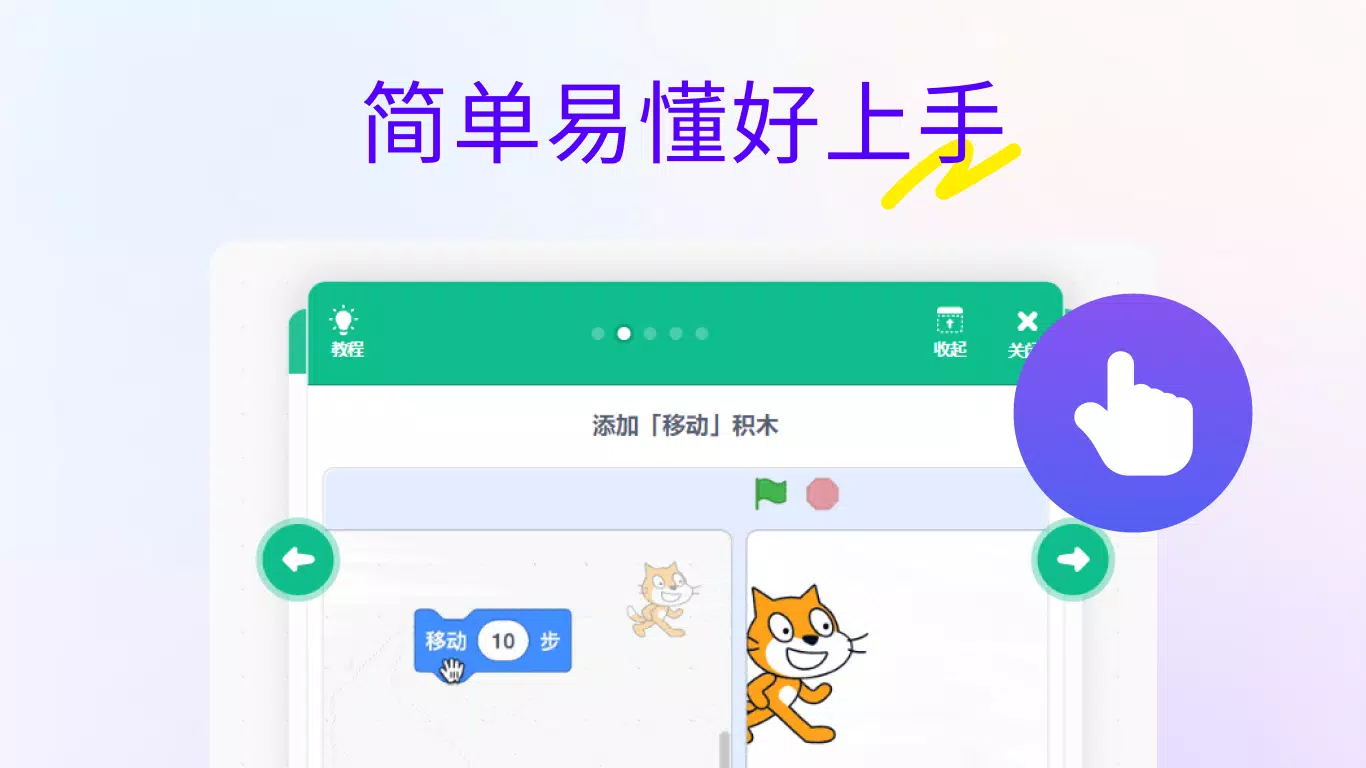
- Graphical Programming Interface: Users interact with the app through a visual block-based coding system, where each command is represented as a colored puzzle piece. This eliminates the need to memorize syntax, allowing learners to focus on logic and flow. For example, a child can create a simple animation by dragging a "move 10 steps" block followed by a "turn 15 degrees" block, instantly seeing the result on screen.
- Comprehensive Creative Tools: The platform includes a built-in sprite editor, stage designer, and sound mixer. These tools allow users to customize characters, backgrounds, and audio elements directly within the app. A student might design a cartoon character, place it on a themed stage, and add sound effects to create an interactive story.
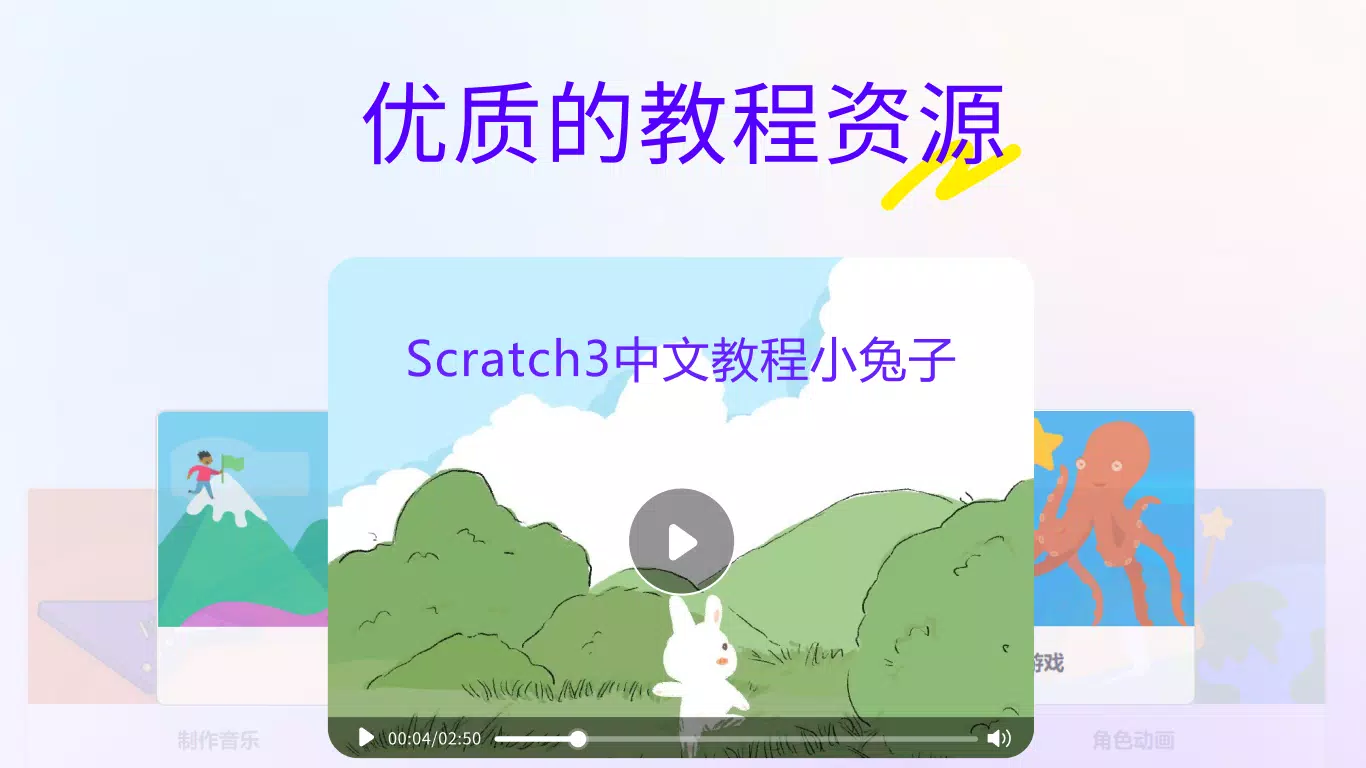
- Structured Learning Resources: The app offers a curated sequence of tutorials that guide users from basic motion and event blocks to more advanced topics like variables, loops, and conditionals. These step-by-step lessons support self-paced learning and help users build confidence as they progress.
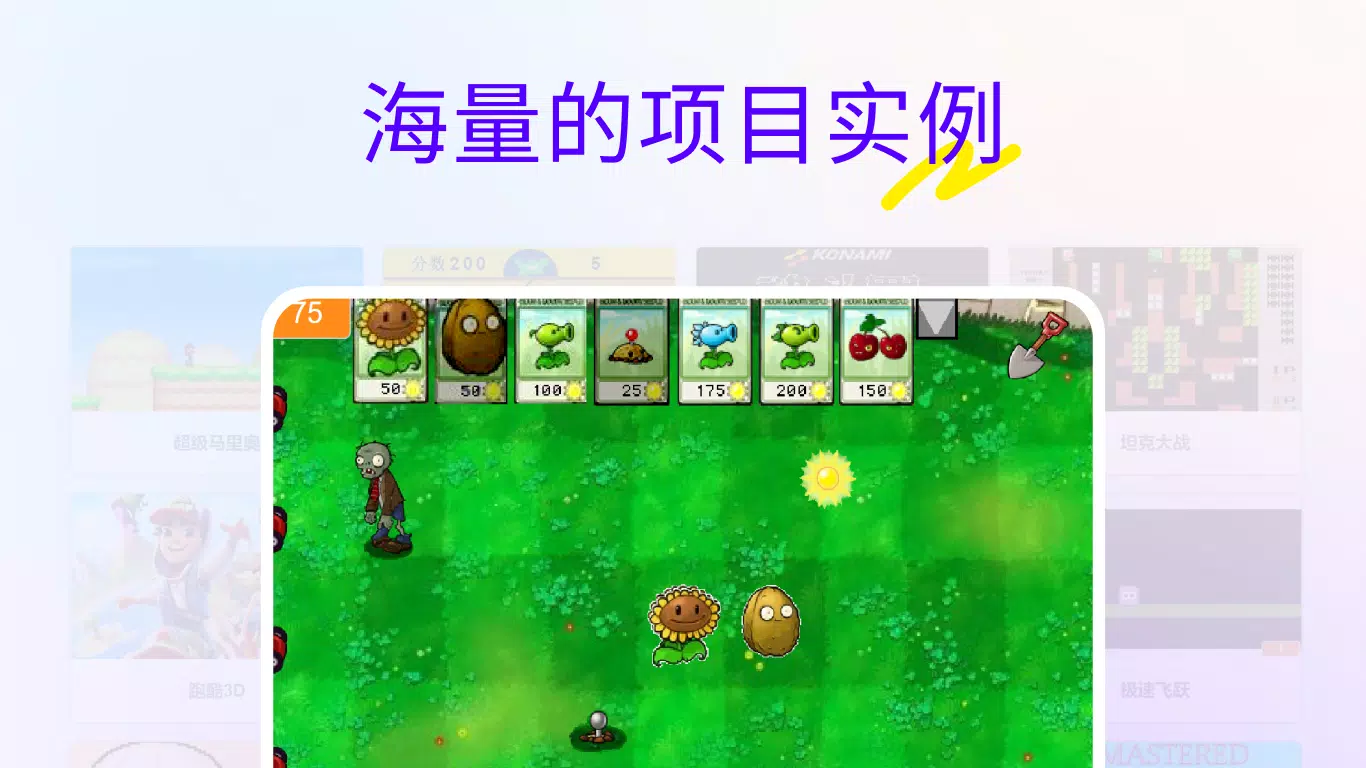
- Extensive Project Library: A large collection of user-submitted projects is available for inspiration and learning. Beginners can examine how others have implemented similar ideas—such as a maze game or a music player—and adapt them to their own style, fostering both imitation and innovation.
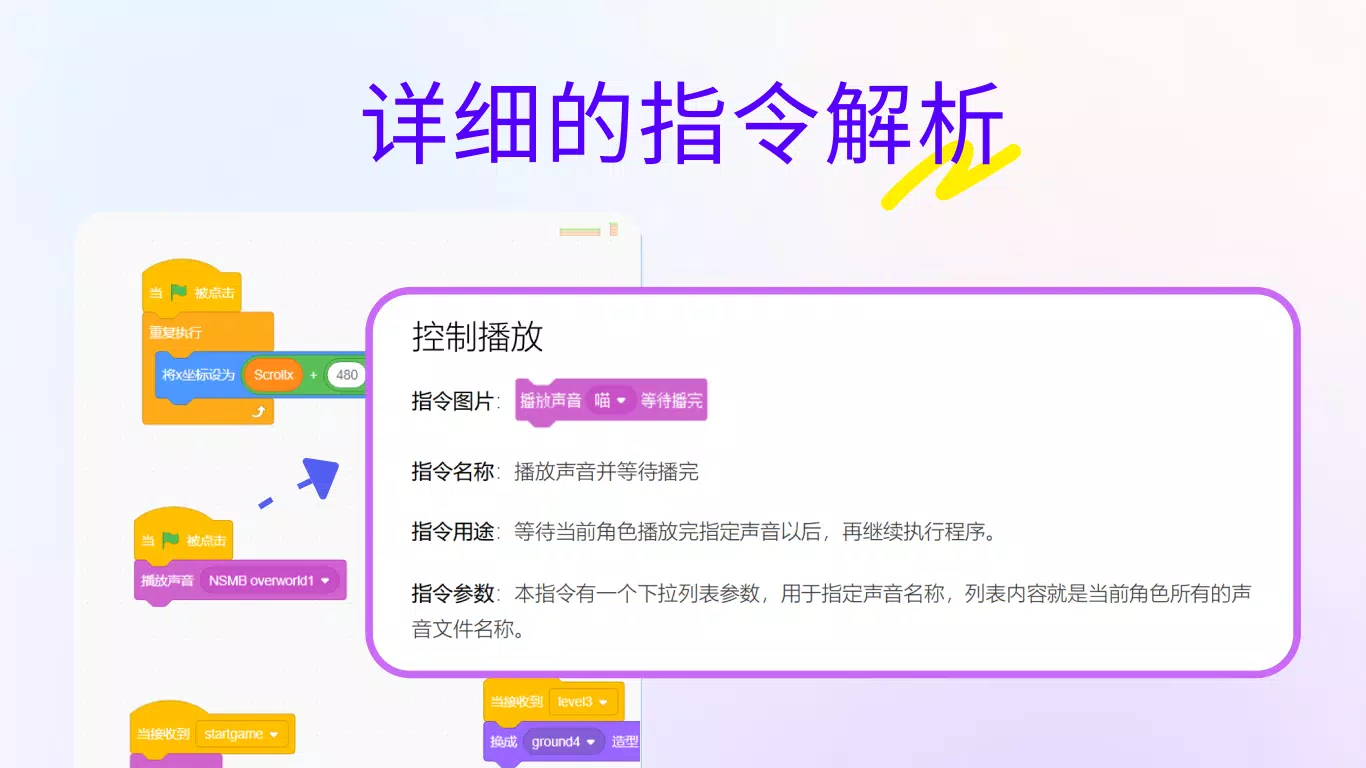
- Clear Block Explanations: Each code block comes with a tooltip or help panel that describes its function, parameters, and usage. This feature ensures that users understand not just how to use a block, but why it works the way it does, reinforcing conceptual understanding.
Interface, UX & Performance
The user interface of Scratch少儿编程软件 is clean, colorful, and highly intuitive. The layout divides the screen into distinct zones: the block palette on the left, the script area in the center, the stage on the right, and the sprite list at the bottom. This organization supports efficient workflow and reduces cognitive load, especially for younger users.
Navigating between tools is seamless, with consistent icons and logical grouping of functions. The drag-and-drop interaction is responsive, and code blocks snap into place accurately, minimizing errors. The app responds quickly to user inputs, ensuring that changes are reflected in real time on the stage.
Although the developer did not list formal performance metrics, the app demonstrates stable behavior across various device categories. It maintains smooth operation even when multiple sprites and scripts are active. The interface remains accessible and legible on both small smartphone screens and larger tablets, suggesting thoughtful design for mobile usability. No crashes or freezes were reported in the available documentation.
Platform Compatibility & Technical Requirements
Scratch少儿编程软件 is available on Android and iOS platforms. The app supports the latest versions of both operating systems, ensuring compatibility with current smartphones and tablets. The file size is approximately 45.6 MB, making it a lightweight download suitable for devices with limited storage.
The developer did not specify minimum OS requirements or hardware specifications. Compatibility information was not fully disclosed. Users are advised to ensure their device meets standard system requirements for running modern mobile applications.
Pros and Cons
Pros
- Intuitive, child-friendly interface that promotes engagement and learning
- Powerful visual coding system that removes syntax barriers
- Rich set of creative tools for designing characters, scenes, and sounds
- Extensive library of tutorials and example projects for guided learning
- Encourages creativity, logic, and collaboration through shared projects
Cons
- Specific technical requirements were not listed by the developer
- Offline functionality may be limited, depending on project storage
- Advanced programming concepts require external guidance or supplementary learning
- Some features may require internet access for full functionality
- Developer did not provide detailed information about update frequency
FAQ
Is Scratch少儿编程软件 safe for children?
The app is designed with educational safety in mind. It includes moderated project sharing and does not allow direct messaging between users. However, parental supervision is recommended when children access public project galleries.
Can I use Scratch少儿编程软件 offline?
While the app allows users to create and test projects locally, some features—such as uploading, downloading, or viewing public projects—require an internet connection.
Is Scratch少儿编程软件 free to download and use?
Yes, the app is available at no cost. There are no in-app purchases or subscription fees within the core functionality.
Does Scratch少儿编程软件 support multiple languages?
Yes, the app supports multiple language interfaces, including Chinese, English, and several others, making it accessible to a global audience.
How often is the app updated?
The developer did not disclose the update schedule. Users are encouraged to check their device’s app store for the latest version.
Final Thoughts
Scratch少儿编程软件 stands out as a powerful educational tool that successfully bridges the gap between play and learning. Its visual, block-based approach lowers the barrier to entry for programming, making it accessible to children as young as 8 and adults new to coding. The combination of creative freedom, structured learning paths, and community-driven inspiration creates a holistic learning experience.
Whether used in classrooms, at home, or during after-school activities, the app empowers users to become digital creators rather than just consumers. It fosters critical thinking, persistence, and innovation—skills that extend far beyond coding. For educators, parents, and young learners alike, Scratch少儿编程软件 offers a secure, engaging, and scalable foundation for lifelong digital literacy.
Download Scratch少儿编程软件 now


